Retention Email Platform for Growing Businesses | Nudgen
TL;DR
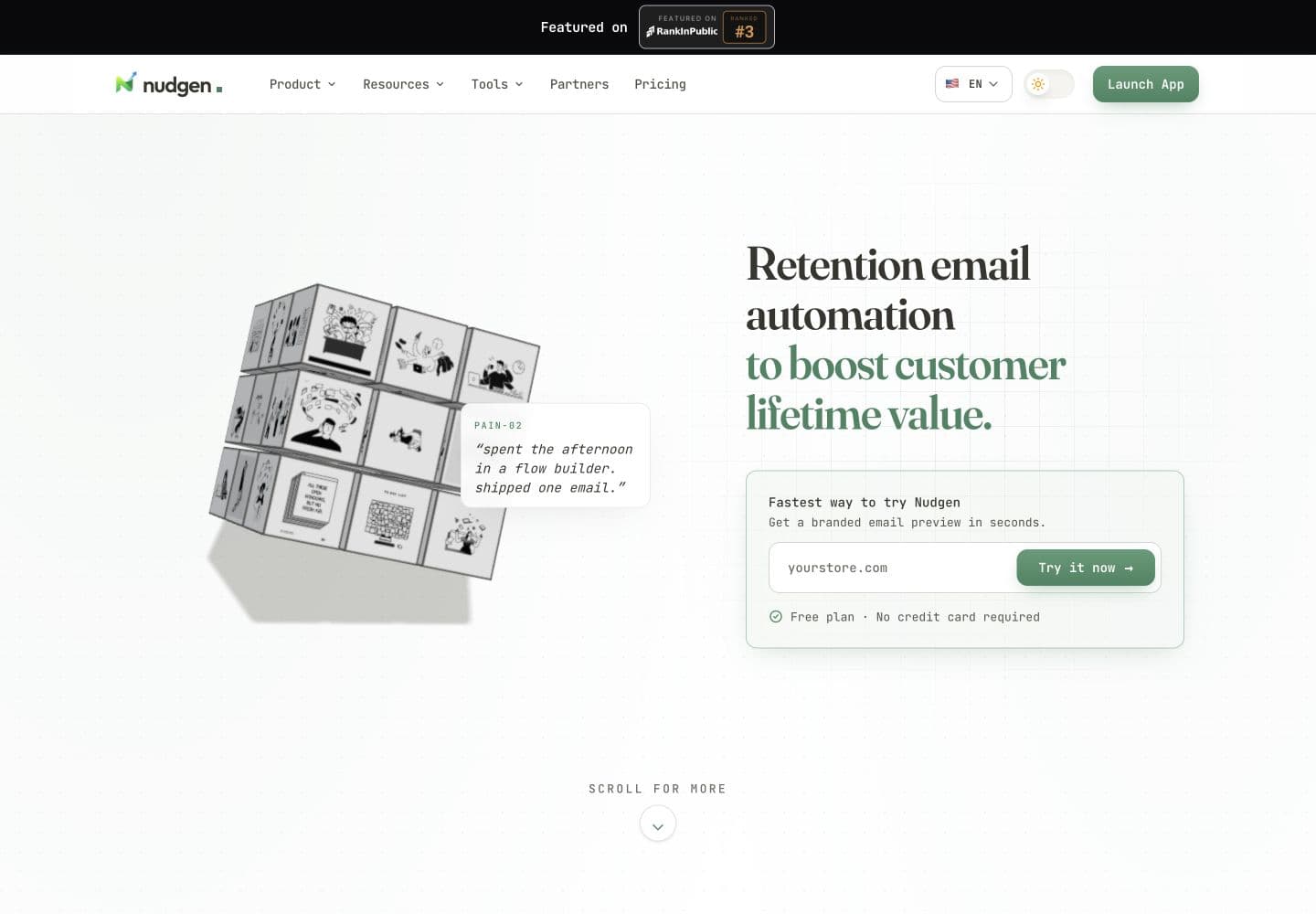
Nudgen helps growing businesses launch retention email in minutes with AI-generated copy, audience tags, and automatic stop rules. According to Nudgen product materials and pricing docs, teams can run welcome, win-back, and post-purchase campaigns without complex setup while protecting deliverability and customer trust.
Top 5 Retention Email Workflows
- Abandoned cart recovery with behavior-based stop rules
- Welcome series for first-week product adoption
- Post-purchase nurture with helpful usage tips
- Win-back campaigns for inactive customers
- Referral prompts after positive customer outcomes
Frequently Asked Questions
What makes Nudgen different from traditional email suites?
Nudgen is built for growing teams that want retention outcomes without heavy setup. You launch campaigns quickly, review every message before sending, and keep operations simple. Instead of wrestling with a complex suite, you focus on customer moments that actually drive repeat revenue.
How does Nudgen's AI improve my campaign performance and results?
Nudgen AI drafts personalized copy using your brand voice, campaign goals, and audience context. That helps teams send more relevant messages at scale and often improves click-through performance. Over time, performance data reveals what messaging patterns work best, so each campaign starts smarter than the last.
Do I need to build workflow branches or complex automations myself?
No. Nudgen removes the need to design complex automation trees by hand. You choose the audience, define the objective, and approve the message. Nudgen manages timing and stop conditions with built-in guardrails, so your team can move fast without becoming workflow specialists.
Can I still review and edit the email before it goes out?
Yes. Nudgen creates the first draft, but final control stays with your team. You can edit subject lines and body copy, preview rendering, and send test emails before launching. This keeps quality high while still saving time versus writing every campaign from scratch.
Can I send one email or a full drip campaign?
Yes. You can send a single retention email or run a multi-step drip sequence from the same workspace. That flexibility lets you start with simple campaigns, then expand into longer programs with timing controls and stop rules as your process matures.
Can I target a segment instead of my whole list?
Yes. You can target everyone, use tag-based segments, or manually select a specific recipient list. Nudgen shows an estimated reach before launch, helping you confirm campaign scope and avoid surprises. This keeps targeting practical for both quick sends and more deliberate outreach.
What happens when a customer already clicks or buys?
When a customer clicks, purchases, or unsubscribes, Nudgen can automatically stop future follow-ups for that person. You can also apply extra safety conditions based on your campaign strategy. This prevents repetitive messaging and protects the customer experience while automation continues for the right audience.
What analytics do I get after launch?
After launch, you can monitor sent, delivered, opens, clicks, click-through rate, bounces, spam complaints, and unsubscribes. Nudgen also provides recipient-level progress and timeline context so your team can diagnose outcomes quickly, report clearly, and improve future campaigns without a separate analytics stack.
How is contact data protected?
Nudgen protects contact data with encryption at rest, interface-level masking, and controlled reveal patterns. It also applies sanitization checks, unsubscribe enforcement, and deliverability safeguards throughout sending. These controls help teams run retention campaigns responsibly while reducing operational risk and preserving customer trust.